Understanding TradingView: A Comprehensive Overview
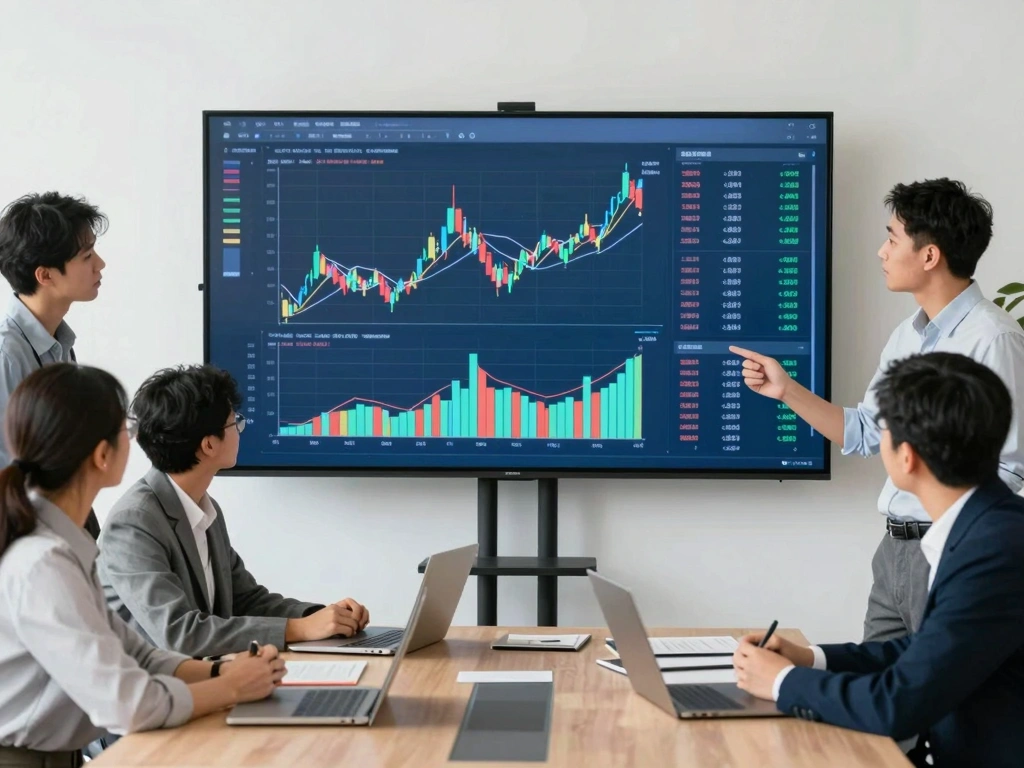
In the rapidly evolving landscape of financial markets, traders and investors require robust tools to navigate complex data efficiently. TradingView has become a cornerstone platform for market analysis, allowing users to visualize trends, model strategies, and execute trades seamlessly. By integrating charts, alerts, and extensive backtesting features within a single interface, TradingView empowers users to create actionable research processes tailored to their unique trading styles.
What is TradingView and Its Core Features?
TradingView is a cloud-based platform that provides advanced charting and analytical tools for stock, forex, cryptocurrency, and derivatives trading. Central to its offering are features such as:
- Real-time Data: Access to live market data across various assets ensures that traders have the most accurate information at their fingertips.
- Customizable Charts: Users can modify chart types, time frames, and indicators to suit their analysis needs, enabling personalized trading setups.
- Social Networking Features: The platform allows users to share ideas, scripts, and analyses, fostering a community-driven approach to trading.
- Pine Script: A unique scripting language that enables users to create custom indicators and strategies, facilitating advanced trading methodologies.
- Comprehensive Alerts: Users can set up alerts for price movements or indicator changes, ensuring they never miss critical market signals.
Exploring User Interface and Navigation
The TradingView interface is designed to be intuitive, catering to both novice and experienced traders. The main dashboard features a customizable layout, where users can:
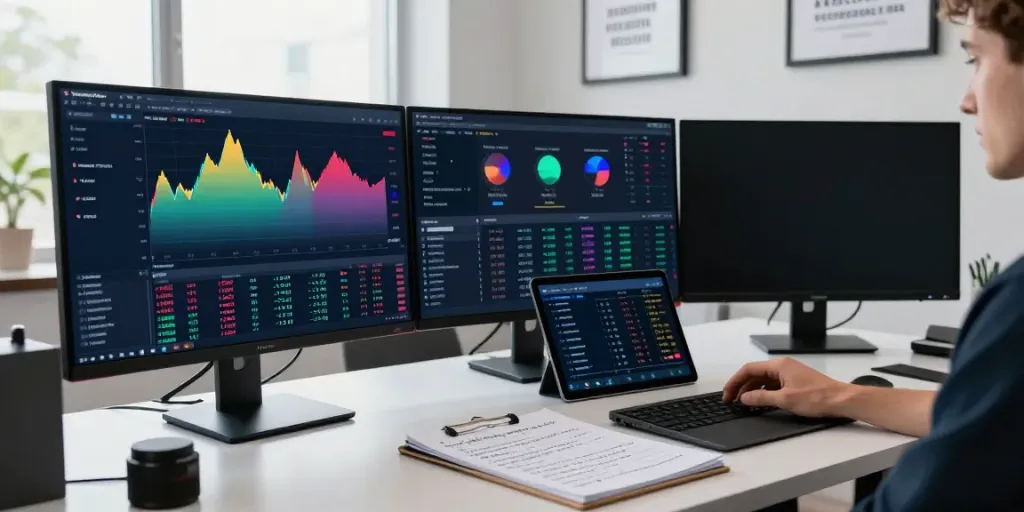
- Launch multiple charts simultaneously to monitor different assets or timeframes.
- Utilize drag-and-drop functionality to rearrange charts and modules easily.
- Access a built-in screener for stocks and cryptocurrencies, facilitating quick searches based on specific criteria.
Understanding how to navigate these features is crucial for maximizing your trading effectiveness.
Benefits of Using TradingView for Market Analysis
One of the most significant advantages of using TradingView is the ability to conduct in-depth market analysis from a single platform. The synergy between its features fosters a comprehensive trading experience. Key benefits include:
- Efficiency: With all tools integrated into one platform, there’s no need to switch between multiple applications, reducing analysis time.
- Community Insights: Leveraging community-generated ideas can provide new perspectives on market movements and potential trading opportunities.
- Accessibility: As a web-based application, users can access their accounts from any device, ensuring that they are always connected to the markets.
Setting Up Your TradingView Account for Success
Creating a TradingView Account: Step-by-Step Guide
To get started with TradingView, follow these steps:
- Visit the TradingView website and select "Join for Free" to create a new account.
- Fill in the required information, including email and password, or sign up using a social media account for faster access.
- Verify your account via the link sent to your email to ensure security.
- Log in and begin customizing your dashboard to suit your trading needs.
Personalizing Your Trading Environment
Once your account is set up, it’s crucial to personalize your trading environment. Here’s how:
- Choose Layouts: Opt for one of TradingView’s multiple layout options to maximize your screen space, particularly if you monitor several assets.
- Set Default Indicators: Add indicators you frequently use to your charts, so they appear automatically each time you open a new chart.
- Organize Watchlists: Create custom watchlists for quick access to preferred stocks or forex pairs.
Utilizing Multiple Layouts and Charts
TradingView allows users to create various chart layouts, which is beneficial for comparing different assets or analyzing multiple factors simultaneously. By utilizing this feature, traders can:
- Set up a layout for different time frames, such as 1-minute, hourly, and daily charts.
- Compare correlated assets to determine relative performance.
Developing Effective Trading Habits with TradingView
Establishing a Routine for Market Research
Establishing a systematic routine for market research is vital to success in trading. Here are some actionable tips:
- Daily Review: Spend time each day reviewing your trades and analyzing what strategies worked or failed.
- Market News: Incorporate a review of economic indicators and news that can impact market movements into your routine.
- Community Engagement: Actively participate in TradingView’s community by following other traders and reviewing their insights.
Implementing Alerts and Notifications
Setting alerts can save traders time and enhance their trading strategy by ensuring they stay informed about market movements. Users can:
- Create price alerts that notify them when an asset reaches a specific price point.
- Set alerts based on technical indicators to help identify potential entry or exit points.
Optimizing Chart Patterns and Technical Indicators
Learn to effectively use chart patterns and technical indicators. Here’s how:
- Familiarize Yourself: Understand common chart patterns, such as head and shoulders or double tops, to better predict future price movements.
- Choose Indicators Wisely: Use a mix of lagging and leading indicators for well-rounded analysis.
Integrating Trading Strategies within TradingView
Using Pine Script for Custom Indicators
Pine Script is a powerful tool within TradingView for creating custom indicators and trading strategies. Users can:
- Write scripts to automate trading signals based on specific market conditions.
- Backtest strategies using historical data to assess their effectiveness.
Backtesting Strategies: How to Use the Strategy Tester
The Strategy Tester in TradingView allows users to backtest their trading strategies against historical data. To effectively utilize this feature:
- Select the desired script or strategy you want to test.
- Adjust the parameters to fit the trading style and observe the results.
- Analyze drawdowns, win rates, and profit factors to evaluate the strategy's viability.
Learning from Community Ideas and Scripts
One of the standout features of TradingView is the ability to learn from community-shared scripts and trading ideas. By reviewing others’ work, traders can:
- Gain insights into different strategies that they might not have considered.
- Modify existing scripts to align with their trading preferences.
Future Trends and Innovations in TradingView for 2026
Emerging Technologies Transforming Market Analysis
As technology evolves, so does TradingView. Looking forward to 2026, here are some anticipated innovations:
- AI-Powered Insights: Increases in AI integration for predictive analysis could enhance decision-making capabilities.
- Enhanced Community Features: Further development of social features, allowing for real-time collaboration among traders.
How to Stay Updated with TradingView Enhancements
Staying informed about updates and new features is crucial for users to maximize TradingView's potential. Key methods include:
- Following TradingView on social media for announcements.
- Joining webinars and community events to learn about new tools and features firsthand.
Preparing for Market Changes and Adaptations
Markets are subject to change, and so must your trading strategies. Consider the following to stay adaptable:
- Regularly assess your strategies and be willing to pivot based on market conditions.
- Utilize TradingView's extensive resources to educate yourself on emerging market trends.
Is TradingView Free to Use?
TradingView offers a variety of subscription options, including a free version with limited features, allowing users to access essential services. Premium subscriptions provide advanced tools and features for serious traders.
Can I Trade Directly from TradingView?
Yes, in certain regions, TradingView allows users to connect with supported brokerage accounts directly from the platform, enabling seamless trading experiences.
What Makes TradingView Stand Out from Competitors?
TradingView distinguishes itself from other platforms through its superior charting capabilities, extensive community features, and the use of Pine Script for customized trading solutions. The all-in-one approach helps traders streamline their workflows effectively.
How to Access TradingView on Mobile Devices?
TradingView offers mobile applications for both iOS and Android, providing users the flexibility to monitor the markets and trade on-the-go. The mobile interface retains many features available on the desktop version, ensuring a consistent experience.
Are There Any Limitations to Free TradingView Accounts?
While free accounts offer valuable features, they do come with limitations such as fewer charts per layout, fewer alerts, and limited access to premium indicators. Upgrading to a paid plan unlocks additional functionalities.